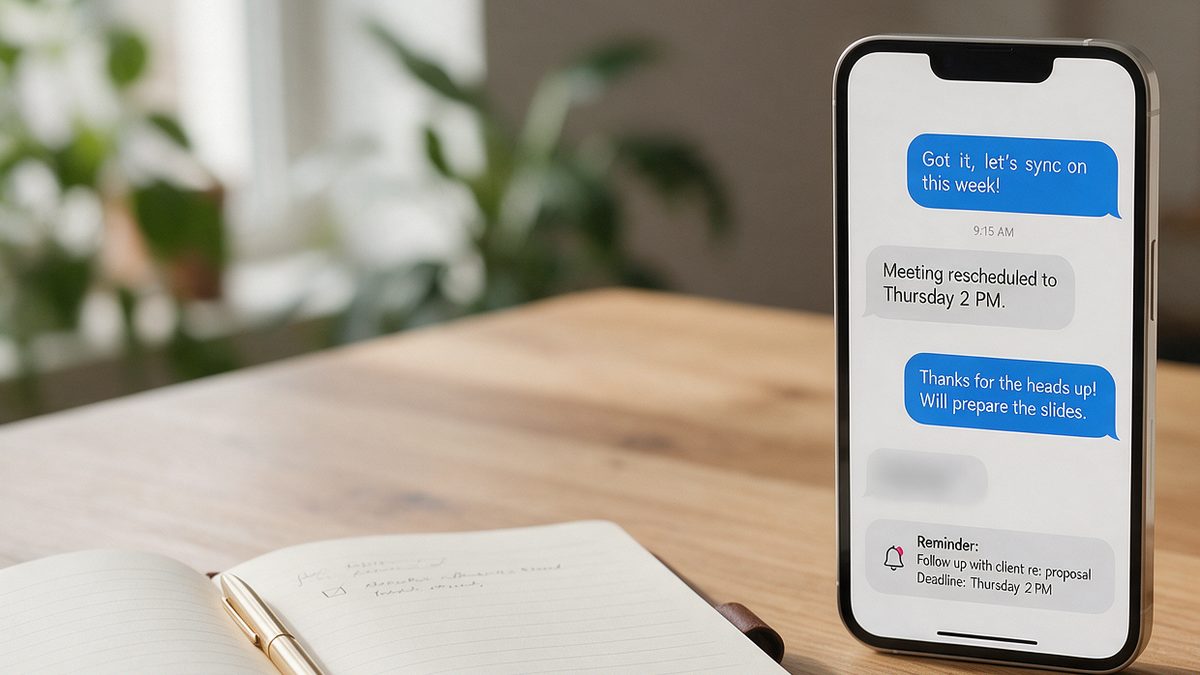
Short answer: use AI to do the two parts of follow-up agents usually skip: writing a personal first message within minutes, and planning the next 30 to 90 days of touchpoints so no lead goes cold. You still send the messages and make the calls. AI just removes the blank-page problem and the “I forgot” problem.
This guide gives you a speed-to-lead routine, ready-made prompts for each stage of a lead, and a simple tracking setup that works even without an expensive CRM.
Why follow-up is where agents lose deals
Most agents do not lose leads to a better competitor. They lose them to silence. A buyer fills out a form at 9 p.m., hears nothing until the next afternoon, and by then has already talked to someone else. Or a seller says “maybe next spring” and nobody calls them in March.
AI helps because the hard part of follow-up is not sending a text. It is knowing what to say, personalizing it, and remembering to do it again in three weeks.
Step 1: Answer new leads in under 5 minutes
Keep a ready prompt for each lead source so your first reply takes one minute, not twenty.
New buyer lead from my website.
Name: [first name]
They asked about: [address or area], budget around $[amount]
Their message: "[paste]"

Write a short text (under 300 characters) from [your name] at [brokerage]. Mention the specific home or area they asked about, ask one simple question about their timeline, and offer two times for a quick call. Friendly, no emojis, no pressure.
Then paste the same details and ask for a matching email version. Send the text first, the email second.
Step 2: Sort the lead by temperature
Not every lead needs the same plan. After your first conversation, paste your notes and let the AI help you classify it:
Here are my notes from a call with a lead: [paste notes].
Classify this lead as hot (moving in under 90 days), warm (3 to 12 months) or nurture (12+ months or unsure), explain why in one sentence, and list the 3 most important things I still need to find out.
| Lead type | Timeline | Follow-up rhythm |
|---|---|---|
| Hot | Under 90 days | Every 2 to 3 days, mostly calls and texts |
| Warm | 3 to 12 months | Every 2 weeks, mix of value and check-ins |
| Nurture | 12+ months | Monthly, mostly useful content |
Step 3: Generate a follow-up sequence
This is where AI saves the most time. One prompt gives you a full plan you can drop into your calendar or CRM.
Create a [30]-day follow-up sequence for a [warm] [buyer/seller] lead.
Context: [notes, e.g. relocating for work, wants 3 beds near downtown, pre-approval not started].
Give 6 touchpoints. For each: day number, channel (text, email, call or video), goal, and a draft message under 80 words.
At least half of the touchpoints should give value (a listing, a market update, a useful tip) instead of just "checking in".
The last instruction matters. “Just checking in” messages are easy to ignore. Messages with a reason, such as a new listing that matches their criteria or a quick update on rates, get replies.
Step 4: Re-engage leads that went quiet
Every agent has a list of leads who stopped answering. A short, honest message often works better than another sales pitch.
Write 3 different short texts to re-engage a lead named [name] who has not replied in [60] days. They were looking for [summary]. Make one curious, one helpful (share something useful) and one that politely asks if I should close their file. Under 200 characters each.
The “should I close your file” message feels counterintuitive, but it gives people an easy way to reply, and many do.
Step 5: After every call, update your notes with AI
Quick voice notes or messy bullet points are fine. Paste them in and ask for a clean summary:
Turn these call notes into: a 3-line summary, the lead's must-haves, their timeline, any concerns, and my next 2 actions with dates. Notes: [paste].
Save the result in your CRM, a spreadsheet or even a notes app. The point is that the next message you send references something they actually told you.
Tools that make this easier
- A general AI assistant (ChatGPT, Claude or Gemini) for writing messages and plans. The free versions are enough to start.
- Your CRM’s built-in AI, if it has one. Many real estate CRMs now draft follow-ups automatically from lead activity.
- A calendar or task app to schedule each touchpoint the moment you create the sequence.
- Text templates on your phone for the messages you send most often.
According to the 2026 NAR Technology Report, AI-backed CRM and AI lead follow-up are among the tools agents are most interested in. Our comparison of the best AI tools for real estate agents covers the options by budget.
Rules to keep follow-up human
- Always read and edit before sending. Never send a message you have not checked.
- Reference something specific from your last conversation.
- Respect opt-outs and texting rules in your state. If someone asks you to stop, stop.
- Do not paste sensitive client details (financial documents, account numbers) into public AI tools.
- Pick up the phone for hot leads. AI drafts the message; the relationship still happens on a call.
For more ready-to-use scripts, see our 40 ChatGPT prompts for real estate agents, or start with the full guide on how real estate agents can use AI.
FAQ
Can AI send follow-up messages automatically?
Some CRMs can send AI-written messages automatically. For most agents, it is safer to let AI draft and schedule while you approve each message, at least until you trust the setup.
How fast should I respond to a new lead?
As fast as you reasonably can, ideally within minutes. A ready prompt for each lead source makes a fast, personal reply realistic even on a busy day.
How many times should I follow up?
Usually more than you think. A warm lead may need many touchpoints over several months. The key is that each one adds value instead of repeating the same check-in.