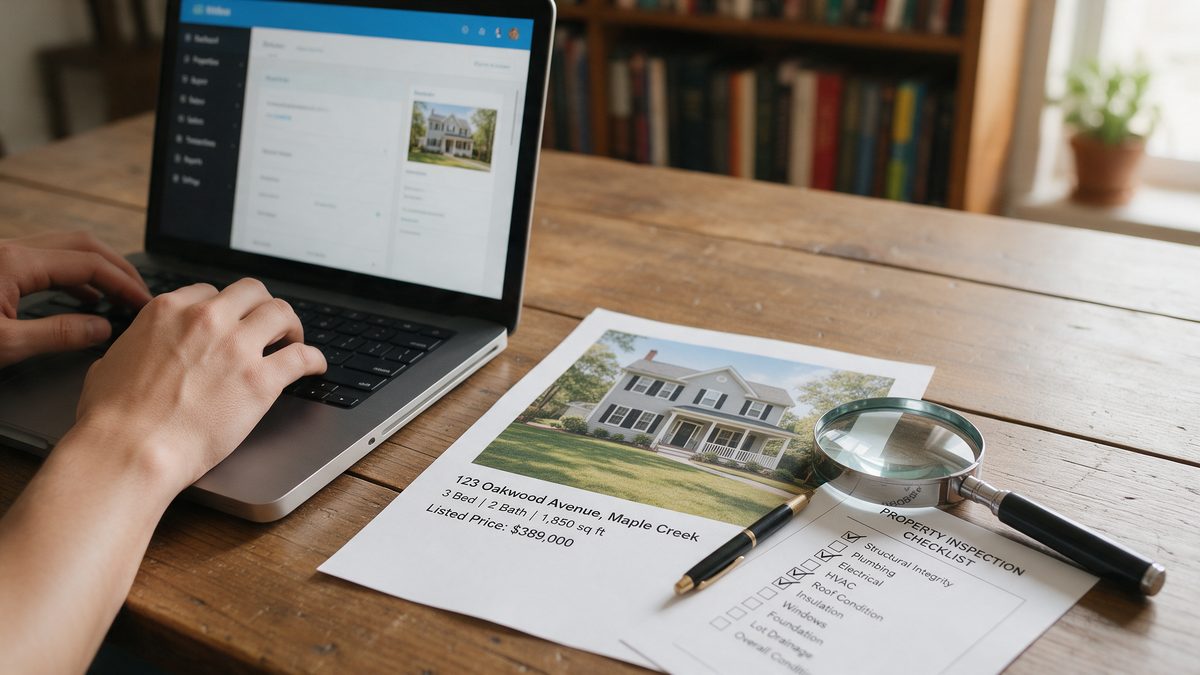
Short answer: give ChatGPT the property facts, tell it the word count and tone, and explicitly tell it to describe the home rather than the buyer. Then fact-check every line and remove any language that hints at who should live there. Done right, you go from a blank remarks box to a polished draft in about five minutes.
Below is the exact process, a fill-in-the-blanks prompt, a before-and-after example, and the fair housing checklist every agent should run before publishing.
Step 1: Collect the facts first
The quality of the description depends on the facts you feed in. AI cannot see the house, so if you give it vague input, it fills the gaps with generic fluff or, worse, invented features. Before you open ChatGPT, write down:
- Beds, baths, square footage, lot size and year built
- Recent updates with years (roof, HVAC, kitchen, flooring)
- Standout features buyers will notice in person
- Outdoor spaces and parking
- Objective location facts (minutes to a highway, nearby park by name)
- Anything the seller asked you to highlight or avoid
Step 2: Use a structured prompt
Copy this prompt and fill in the brackets:
You are an experienced real estate copywriter in the United States.
Write an MLS listing description of [120-180] words for this property.

Facts:
- Type: [single-family / condo / townhome]
- Location: [city, state]
- Beds/baths: [3 bed / 2 bath]
- Size: [1,850 sq ft], lot: [0.25 acres], built: [1998]
- Updates: [kitchen remodel 2024 with quartz counters; new roof 2023]
- Features: [list]
- Location facts: [6 minutes to I-35; across the street from Maple Park]

Rules:
- Describe the property, never the buyer or ideal occupant.
- Do not use: perfect for families, young professionals, safe, quiet, exclusive, walking distance to church, or similar.
- Use only the facts above. Do not invent features or numbers.
- Open with the strongest feature, not with "Welcome home".
- End with a short invitation to schedule a showing.
The rules section is what separates usable output from copy you have to rewrite. Telling the AI what not to do is just as important as telling it what to do.
Step 3: Ask for variations
Your first draft is rarely the best. Follow up in the same chat:
- “Give me 3 alternative opening sentences.”
- “Write a 60-word version for Zillow’s short description.”
- “Rewrite it with a more upscale tone, same facts.”
- “Turn this into an Instagram caption with 5 relevant hashtags.”
Before and after example
Here is what a typical lazy prompt produces compared with the structured one.
Lazy prompt: “Write a listing for a 3 bedroom house with a nice kitchen”
Welcome home to this stunning 3-bedroom gem, perfect for growing families! Nestled in a quiet, safe neighborhood, this charming home features a gourmet kitchen, luxurious finishes and a resort-style backyard. Don't miss this one!
Problems: invented features (“gourmet”, “resort-style”), buyer-profile language (“perfect for growing families”), coded words (“quiet, safe”), and zero useful facts.
Structured prompt result
Quartz counters and a 2024 kitchen remodel set the tone in this 3-bed, 2-bath home on a quarter-acre lot. The open main level connects the kitchen to a bright living room, and the primary suite includes a walk-in closet. A new roof (2023), a two-car garage and a fully fenced backyard add everyday convenience. Located across the street from Maple Park and 6 minutes from I-35. Schedule your private showing today.
Every claim can be verified, the copy describes the home, and it reads like a professional wrote it.
The fair housing checklist before you publish
AI tools learn from millions of old listings, and some of that copy includes phrases that can create fair housing problems. Industry coverage of NAR guidance, such as this HousingWire checklist on AI listing remarks, recommends a review step every time. Run through this list:
- Does any sentence describe who should live there? Remove it.
- Are there coded words like “safe”, “quiet” or “exclusive”? Replace them with objective facts.
- Are there religious, school-preference or demographic references? Remove them.
- Is every fact accurate and verifiable? Check numbers against the listing data.
- Did you include anything private (lockbox codes, seller details)? Remove it.
- Are photos virtually staged or edited? Label them as required in your state and MLS.
| Instead of this | Write this |
|---|---|
| Perfect for families | Three bedrooms on the upper level |
| Great for young professionals | 8 minutes to downtown |
| Safe, quiet street | Cul-de-sac location |
| Walking distance to church | 0.3 miles to [named landmark or park] |
| Exclusive community | Gated entry with 24/7 access control |
Common mistakes agents make
- Publishing the first draft. Always edit. AI writes 80% of the work; your edit makes it accurate and local.
- Overusing superlatives. “Stunning”, “breathtaking” and “gem” are so common that buyers skip them. Specific facts sell better.
- Ignoring character limits. Tell the AI your MLS limit up front so you do not have to cut later.
- Pasting private data. Keep seller financial details and access information out of public AI tools.
Should you use a real estate specific AI tool instead?
Specialized listing tools can pull data directly from your MLS and save a few steps. But a general assistant with a good prompt produces equally strong copy for free. Start with ChatGPT, Claude or Gemini, and only pay for a specialized tool if you write many listings every month and want the automation.
Want more ready-made prompts? See our list of ChatGPT prompts for real estate agents, or read the full guide on how real estate agents can use AI.
FAQ
Can I use AI-written descriptions on the MLS?
Generally yes, as long as the content is accurate and complies with fair housing laws and your MLS rules. You remain responsible for everything you publish, so review it carefully.
Will buyers notice the description was written by AI?
Generic AI copy is easy to spot because it relies on the same clichés. If you feed in specific facts and edit the result, it reads like professional copywriting.
How long should a listing description be?
Most MLS remarks work best between 120 and 250 words, but check your MLS character limit and adjust your prompt accordingly.